
Fireplace Showroom SEO: How to Rank on Google Maps in Cape Town
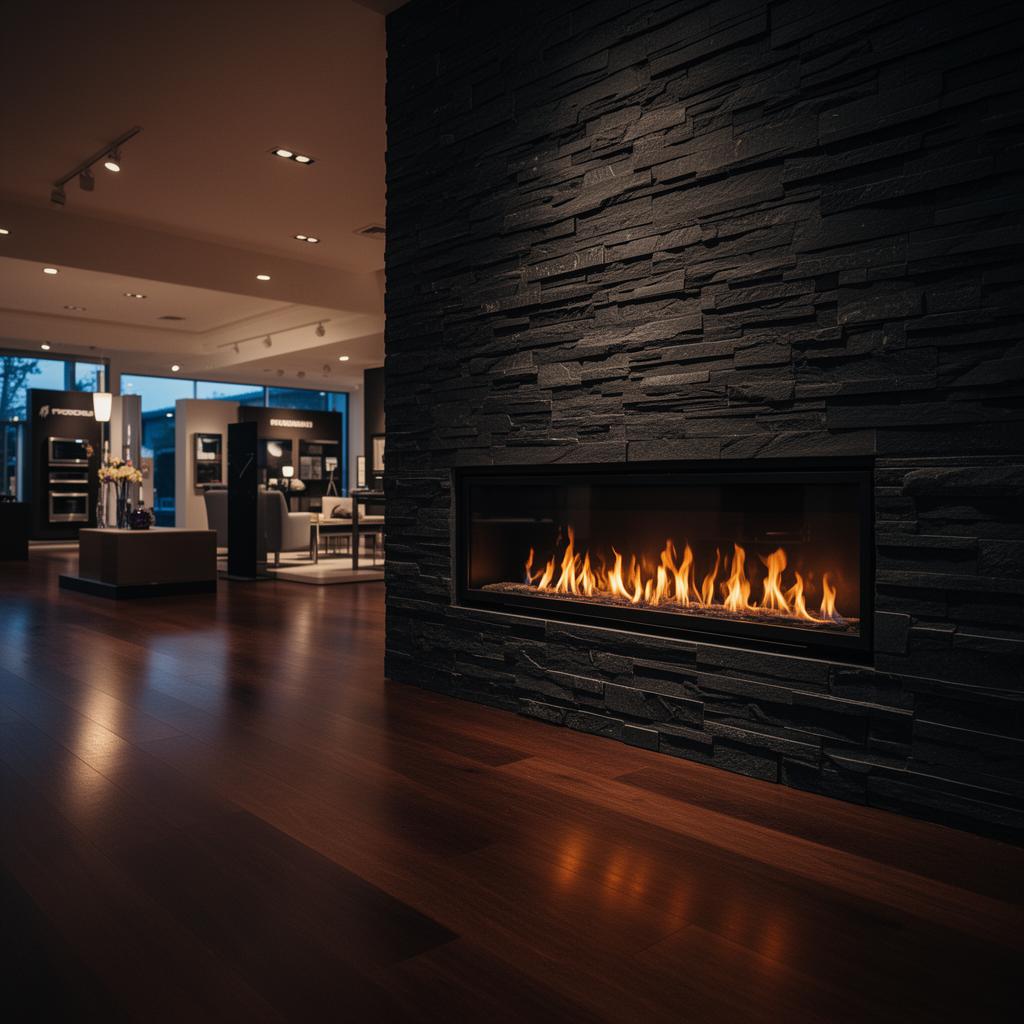
If someone in Constantia searches "gas fireplace showroom near me" on their phone right now, three businesses appear in the Google Maps 3-pack before a single website link is shown. Those three businesses get the vast majority of the clicks — and the phone calls.
This guide explains exactly how Cape Town fireplace showrooms can leverage specialized Local SEO Cape Town to rank in that 3-pack, and stay there.
How Google Decides Who Appears in the Local Maps 3-Pack
Google uses three primary signals to rank businesses in Maps results:
Relevance — how closely your business profile and website content matches what the searcher typed
Distance — how close your showroom is to the searcher's location (or the location they searched for)
Prominence — how well-known and trusted your business is, based on reviews, backlinks, and online presence
You can't move your showroom to get closer to every searcher. But you can directly control relevance and prominence — and that's where local SEO works.
Step 1: Fully Complete Your Google Business Profile
Most fireplace showrooms have a GBP that is 40–60% complete. Every missing field is a missed ranking signal.
Business name: Use your exact trading name. Do not stuff keywords into the business name field — Google penalises this and it looks unprofessional.
Primary category: This is the most important single field in your GBP. For fireplace showrooms in South Africa, the correct primary category is "Fireplace Store." Do not use "Home Improvement Store" as your primary — it is too generic and reduces your relevance for fireplace-specific searches.
Secondary categories: Add relevant secondaries based on what you actually sell — "Gas Equipment Supplier," "Outdoor Furniture Store" (if you stock braais and outdoor heating), "Heating Equipment Supplier," "Stove Builder."
Service area: List every suburb you install in, not just your showroom location. If you install in Constantia, Claremont, Newlands, Rondebosch, and Tokai — list all of them. Service area directly expands the geographic footprint of your Maps listing.
Services: List every product and service you offer with descriptions. Gas fireplaces. Wood burning stoves. Bioethanol burners. Outdoor braais. Installation. Maintenance and servicing. These service keywords appear in Maps search results.
Products: Add your key products individually with photos, descriptions, and a "Get a quote" link. Product listings appear directly in Maps search panels when someone taps your listing.
Description (750 chars max): Write your description with your primary keywords and location naturally included. Example: "Cape Town's specialist fireplace and hearth showroom, serving the Southern Suburbs, Winelands, and greater Western Cape. We supply and install gas fireplaces, wood burning stoves, bioethanol burners, and outdoor braai installations from our [suburb] showroom. Free in-home consultations available."
Hours: Keep these accurate and updated — especially over holidays and winter peak season. Outdated hours are a trust signal problem for both Google and customers.
Step 2: Build Review Velocity — Consistently, Not in Bursts
Review count and review recency both factor into Maps ranking. A showroom with 47 reviews from three years ago will lose ground to a competitor with 22 reviews where 8 are from the last 90 days.
The best time to ask for a review: Immediately after installation, while the installer is still on-site or within 2 hours of completion. This is when customer satisfaction is at its highest and the experience is vivid.
How to ask: WhatsApp is the most effective channel for this in South Africa. Send a direct message from the owner or a named team member — not an automated system message. Include the Google review direct link (find it in your GBP dashboard → "Get more reviews").
Review response: Respond to every review — especially negative ones. Your response to a negative review is public and is read by potential customers evaluating whether to trust you. A calm, professional, solution-oriented response to a 1-star review often converts more browsers into customers than the 5-star review itself.
What not to do: Do not ask for reviews in bulk from old customers in a single week. A sudden spike of 20 reviews triggers Google's review filter. Steady is better than sudden.
Target: 4–5 new reviews per month, every month, during active season.
Step 3: Add Local Schema to Your Website
Your website and your GBP are separate signals — Google cross-references them. A website with no local schema gives Google less confidence that your business is genuinely located where you say it is, and less confidence that you serve the areas you claim.
Add the following JSON-LD to your website's <head>:
{
  "@context": "https://schema.org",
  "@type": "HomeGoodsStore",
  "name": "[Your Showroom Name]",
  "description": "[Your business description with Cape Town and key suburbs included]",
  "url": "[Your website URL]",
  "telephone": "[Your phone number]",
  "address": {
    "@type": "PostalAddress",
    "streetAddress": "[Your street address]",
    "addressLocality": "[Your suburb]",
    "addressRegion": "Western Cape",
    "addressCountry": "ZA"
  },
  "geo": {
    "@type": "GeoCoordinates",
    "latitude": [your latitude],
    "longitude": [your longitude]
  },
  "areaServed": ["Cape Town", "[Suburb 1]", "[Suburb 2]", "[Suburb 3]"],
  "openingHoursSpecification": [
    {
      "@type": "OpeningHoursSpecification",
      "dayOfWeek": ["Monday","Tuesday","Wednesday","Thursday","Friday"],
      "opens": "08:00",
      "closes": "17:00"
    },
    {
      "@type": "OpeningHoursSpecification",
      "dayOfWeek": "Saturday",
      "opens": "09:00",
      "closes": "13:00"
    }
  ]
}
If you use Social Media Shop ZA, we add and maintain this schema for you as part of our Local SEO Cape Town service.
Step 4: Build Geo-Targeted Pages on Your Website
A single service page titled "Fireplace Installation" ranks poorly for suburb-specific queries because Google has no evidence you serve a particular area specifically. Suburb landing pages fix this.
Create pages for your top 3–5 installation suburbs:
/fireplace-installation-cape-town-southern-suburbs/gas-fireplace-constantia/wood-burning-stove-winelands
Each page needs: the suburb name in the H1, a paragraph mentioning 2–3 nearby areas, a specific reference to your showroom's accessibility from that area, 1–2 local testimonials or project references if available, and a quote request form.
These pages don't need to be long — 400–600 words each is sufficient. They need to exist and be internally linked from your main services or products page.
Step 5: Fix NAP Consistency Across All Directories
NAP = Name, Address, Phone. If your business is listed as "Fireplace World Cape Town" on Google, "Fireplace World" on Facebook, and "FW Cape Town" on Hellopeter — Google sees three different businesses. This inconsistency directly reduces your Maps ranking.
Directories to check and standardise for Cape Town fireplace businesses:
- Google Business Profile (primary)
- Facebook Business Page
- Bing Places
- Apple Maps
- Hellopeter
- SAYellow
- YellowPages SA
- Chamber of Commerce local listing
- Any industry directories (Hearth, Patio & Barbecue Association if applicable)
Use exactly the same business name, address format, and phone number on every platform. Even small differences ("St" vs "Street", "+27" vs "0") create inconsistency signals.
How Long Does This Take?
Completing your GBP and adding schema: 2–4 hours, results visible within 2–4 weeks.
Building review velocity to 15+ reviews: 2–3 months of consistent requesting.
Suburb landing pages: 1 week to build, 60–90 days to rank.
NAP cleanup across 10+ directories: 4–6 hours once-off.
Full Maps 3-pack ranking for competitive Cape Town fireplace queries: 3–6 months from starting point zero. Faster if you already have an established GBP with some reviews.
The showrooms that dominate Maps results for Cape Town fireplace searches are not necessarily the biggest businesses. They are the ones that have been consistently maintaining their GBP, collecting reviews, and publishing regular updates for 12+ months. Start now — the compound effect is real.
Social Media Shop ZA manages local SEO and Google Maps optimisation for fireplace showrooms, kitchen and bathroom retailers, and home improvement businesses across Cape Town. See our Local SEO Cape Town service or our fireplace digital marketing guide for the full channel strategy.
Apply for a free local visibility audit for your fireplace showroom
Apply for a free local visibility audit for your fireplace showroom →
🤖 Is Your Showroom Ready for the AI Search Revolution?
This article is live proof-of-concept. It was structured and optimized as 'citation bait' to get recommended by AI models. Grade your showroom's online presence with our Free AEO AI Grader to see where you stand.
Want to skip the tools? See our Local & AI Visibility Service →